
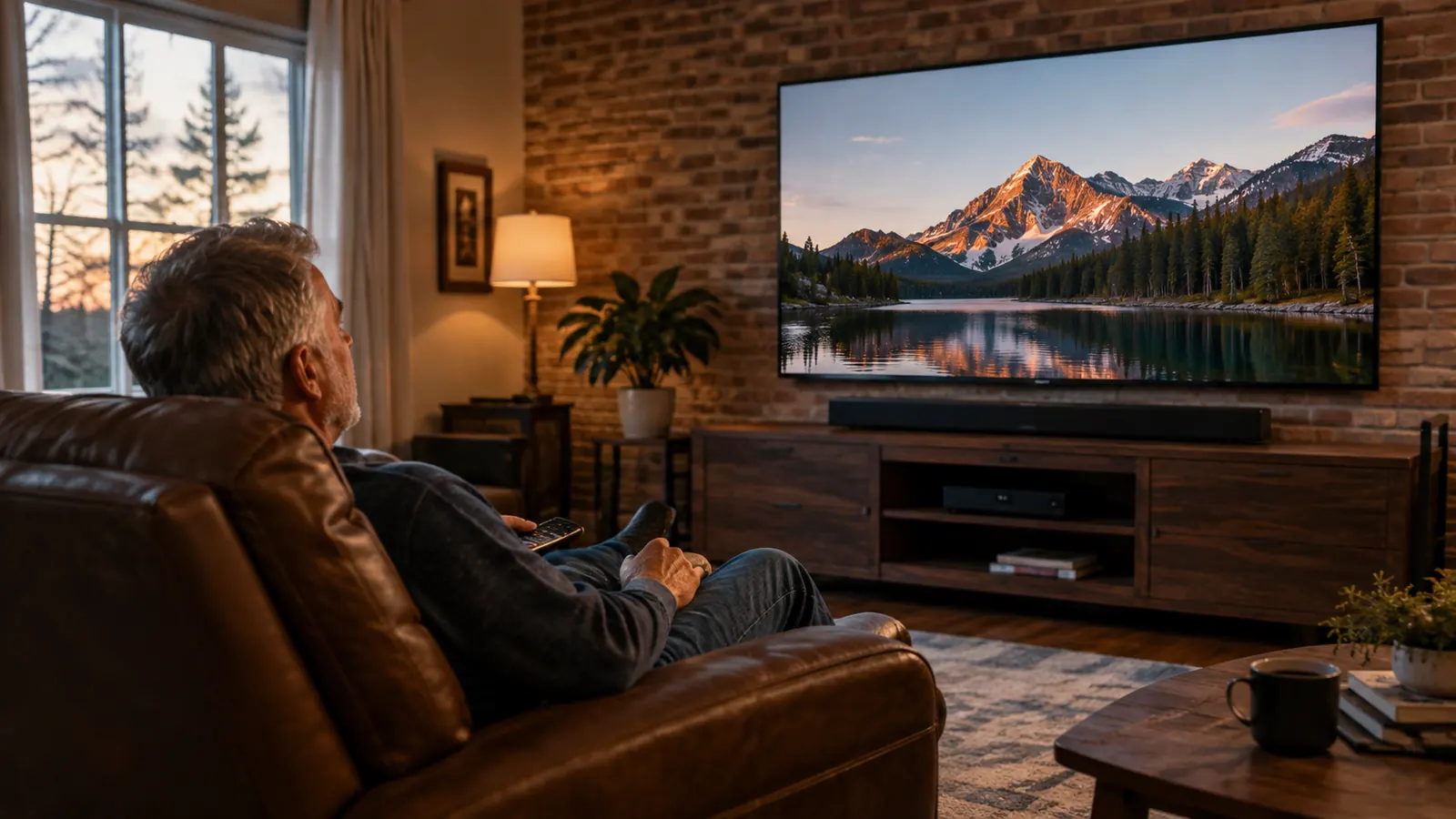
The complaint came from Joanne, not from me. "Can you turn that down?" she would say from the other end of the couch. Which always confused me, because I usually had it up. That is the whole story of living with high-frequency hearing loss in one sentence. I hear the bass fine. I hear the doorbell fine. The problem is the human voice, especially on television, where it sits right on top of the music, the gunfire, and the laugh track.
I spent a year trying to fix it with the TV's own settings. I tried the clear voice mode on the set. I tried the equalizer. I tried turning it up until Joanne left the room. Nothing worked the way I wanted. Then I bought a ZVOX AccuVoice AV100, a dialogue clarifying soundbar with six levels of voice boost, and I got the dialogue back without wearing anything on my head or in my ears. This is how I set it up, step by step, and what I would tell a neighbor doing the same.
The soundbar that put the voices back
If you have tried every setting on your TV and the dialogue still sounds like the actors are mumbling, this is the fix that worked for me. The ZVOX AV100 boosts the frequencies where speech lives without making everything else louder.
Amazon Check Today's Price on Amazon →What the ZVOX AV100 Actually Does
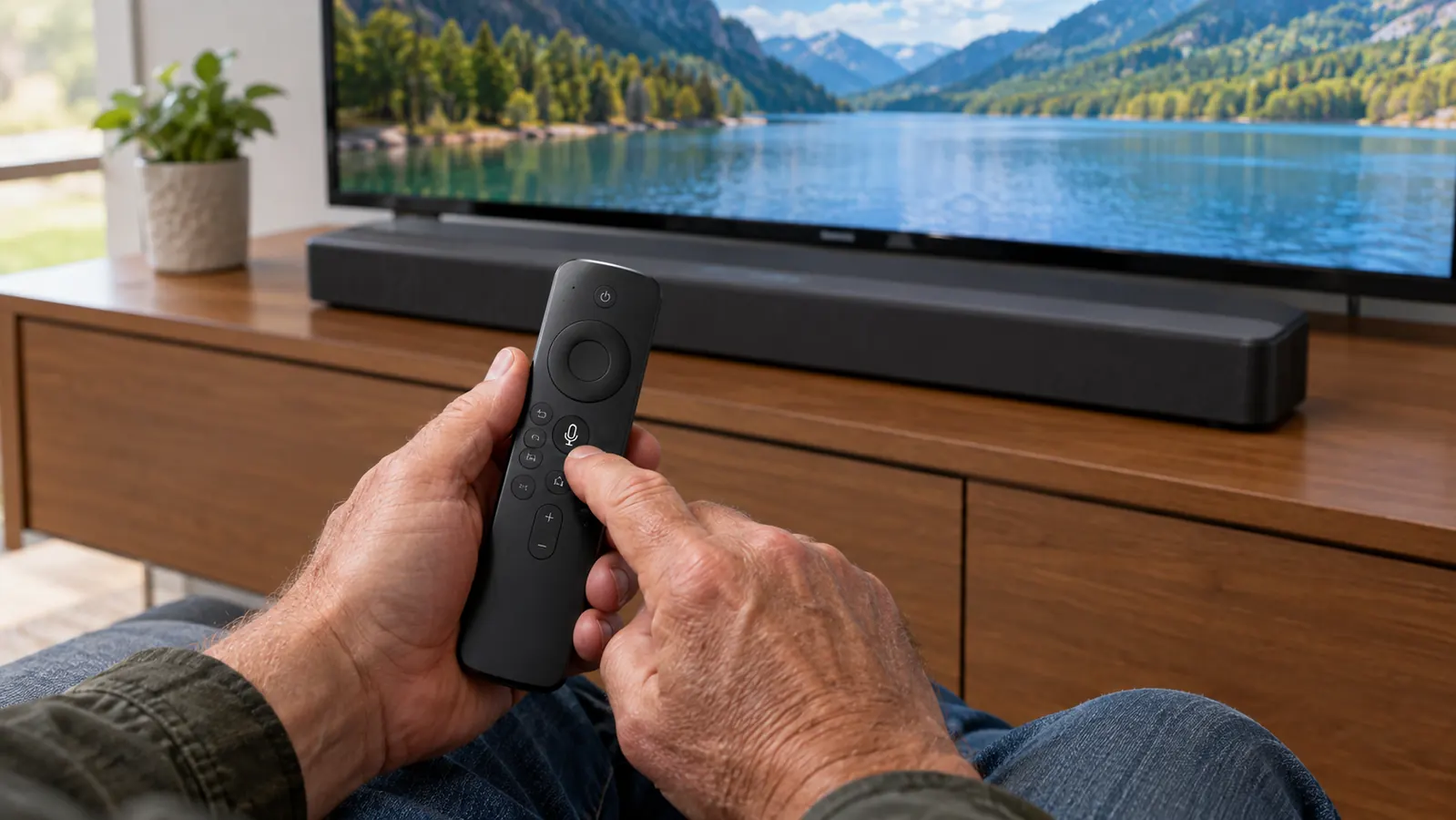
A soundbar is a long, low speaker that sits below your TV. The ZVOX AV100 is that, plus a separate wireless subwoofer for the low end, plus something a plain soundbar does not have: AccuVoice processing. AccuVoice works on the frequencies where human speech lives and boosts them in six steps. You cycle through the levels with one button on the remote. Level one is a small lift. Level six is a big one. For my hearing, level three or four is the sweet spot, and I can change it in two seconds without pausing the show.
It is not a hearing aid, and I am not going to pretend it is one. If you cannot hear a conversation across the dinner table, a soundbar will not fix that. What it does is fix the specific problem of voices buried in a TV mix. And it does it for both of us. Joanne hears the same soundbar, and she does not have to listen at a volume that rattles the pictures on the wall.
Before You Start: What's in the Box
The AV100 comes with the soundbar, the wireless subwoofer, a remote, and both cables you might need: an optical cable and an analog cable with a headphone-style plug. It also comes with a small setup sheet that is actually worth reading, which is rare. The whole thing took me about twenty minutes, and ten of those were spent finding the right port on the back of the TV.
You do not need a soundbar expert, a drill, or a phone app. If you can plug in a lamp and change a TV input, you can do this. The hardest part is the TV setting in Step 3, and that is only because every TV brand names it something different.
Step 1: Find Your TV's Audio Output
Look at the back of your TV. You are looking for one of two things. The first is a small square port labeled Optical, sometimes called digital audio out. The second is a round headphone jack, usually labeled Audio Out or Headphone. Most TVs made in the last ten years have at least one of them.
On my TV, the optical port is on the back, facing the wall, which means I had to feel for it. If yours is the same, use a flashlight and a mirror, or just unplug the TV and pull it forward a few inches. You are not going to hurt anything by looking.
If you already have a soundbar and it is not helping with voices, the same step applies. You can swap the old soundbar for the AV100 and use the exact same cable, which is what I did with the one Joanne bought me two Christmases ago.
Step 2: Plug It In and Turn It On
Set the soundbar on the shelf or console directly below the TV, centered under the screen. Plug the power cord into the wall, not into a power strip that is already carrying five other things. Connect the cable from the TV to the port on the back of the soundbar. Then turn the soundbar on with the remote.
The subwoofer pairs itself. I did not have to press anything on it. I set it on the floor to the left of the console, which is where the setup sheet suggested, and it connected the first time. If yours does not connect, move it closer to the soundbar and try again. That is the whole troubleshooting procedure.
The first time I turned mine on, I expected a setup screen or an app. There is none. The soundbar finds the signal from the TV and plays it. The only adjustment I had to make was on the TV itself, which is the next step.
Step 3: Tell Your TV to Use the Soundbar
This is the step that trips up most people, because the TV does not switch automatically. You need to change the audio output setting. On most TVs it is under Settings, then Sound, then Audio Output. You are looking for a choice that says something like External Speakers, Optical, or Audio System. Pick that instead of TV Speakers.
On my set, the choice is labeled Audio Out. On my son's TV it is labeled Optical. The wording varies by brand, but the idea is the same: you are telling the TV to send the sound out through the cable instead of through the speakers built into the set. If you have a separate cable box or a streaming stick, the TV passes that sound through too, so you only change this one setting once.
If you turn the soundbar on and hear nothing, go back to this setting. Nine times out of ten, that is the problem, not the soundbar. The other time, it is the cable not seated all the way in the port. Push it in until you feel it click.
Step 4: Set the Voice Boost Level
Now for the part that makes the ZVOX different. The remote has a dedicated voice button. Each press moves you up one of the six levels of voice boost, and a light on the soundbar shows you where you are. Start at level two or three, not six. You want the voices clear, but you do not want everything to sound like a public address system.
I started at three. After a week I moved to four for the evening news and most westerns, and back to three for baseball, because the announcers are already loud and clear. Joanne keeps it at two when she watches alone. That is the nice part: the setting lives on the remote, so whoever is watching can change it without getting up.
The remote also has a button that evens out the volume between quiet scenes and loud commercials, which used to drive Joanne up the wall. One press and the commercials stop jumping out of the room. I did not believe a button could do that until I heard it.
Step 5: Adjust for the Room and the Other Listener
The last step is the one nobody puts in the manual. Sit in your usual chair and watch a show you know well, something with a lot of dialogue. If the voices are clear but the room feels dead, turn the subwoofer level up a little. If the soundbar is on a shelf with the TV, try tilting it forward slightly so the speakers point at your ears, not at your knees.
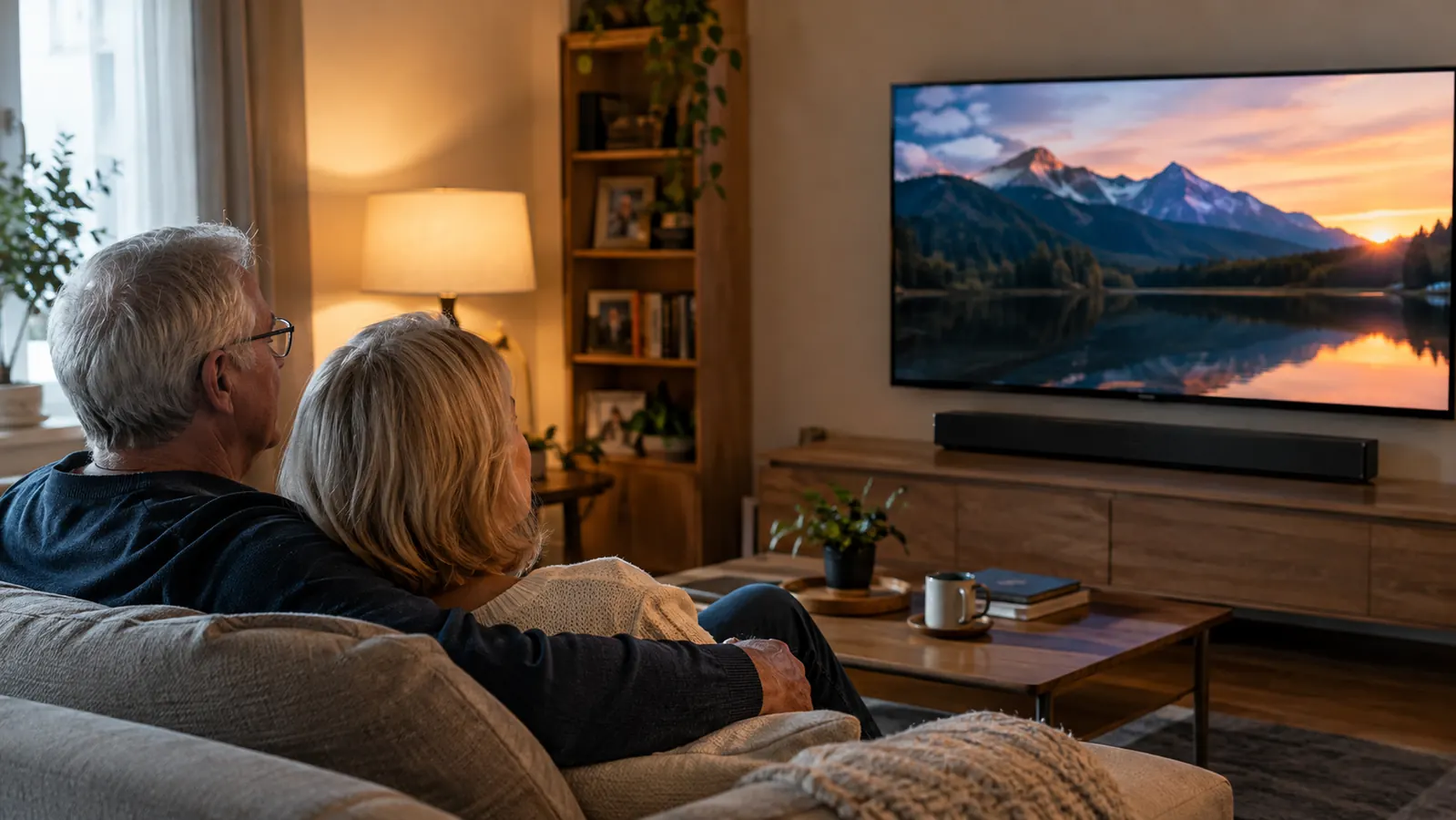
Then hand the remote to the person who sits on the other end of the couch. The whole point of this setup is that two people with different hearing can watch the same show at the same volume and both understand it. Joanne can hear the dialogue at level two. I need level four. We are both happy, and the TV is not loud enough to bother the neighbors.
Give it a week before you judge it. Your ears get used to the new sound, and you will find yourself reaching for the volume knob less and less. After a month, I stopped reaching for the volume control entirely and started reaching for the voice button instead.
A Note About Volume and Hearing
Here is the thing nobody tells you about turning the TV up to hear voices: it does not work for long. Loud volume helps for a little while, then your ears adjust and you turn it up again. Before you know it, the TV is at a level that drives your spouse out of the room. The voice boost does the opposite. It makes the speech clearer without making everything louder, so your ears are not working as hard.
I am not a doctor, and I am not going to pretend to be one. What I can tell you from thirty-four years on the job is that protecting the hearing you have left matters. If you are having trouble with more than just the TV, if you are missing conversations at the dinner table or in the car, please go get a hearing test. The soundbar is a tool. It is not a fix for hearing loss. Knowing the difference is the difference.
What Else Helps
The soundbar did most of the work, but it was not the only thing. I turned on closed captions for shows with heavy accents or bad audio mixes, and I stopped being embarrassed about it. Captions are not a surrender. They are a tool, and they help Joanne too on shows where the actors whisper on purpose.
I also moved my recliner a foot closer to the screen. Twelve feet is a long way for a voice to travel when your ears have been through forty years of line work and chainsaws. And I finally went to an audiologist, which I should have done years earlier. I am a user, not a doctor, so I am not going to tell you what to do about your hearing. I will tell you that a baseline hearing test is the only way to know whether the problem is the TV or your ears, and it is worth doing either way.
One honest note: some shows are mixed badly, and no soundbar fixes that. When a streaming show buries the dialogue under music on purpose, I turn on captions and move on. The AV100 handles the rest.
The first night, I heard every word of the evening news without asking Joanne what the anchor said. That had not happened in years.
Why I Keep Recommending It
I have had the ZVOX AV100 for long enough to trust it. I wrote a long-term review of the ZVOX AV100 that covers how it has held up with daily use. I also set it up next to a Bose TV Speaker to compare them head to head, because that is the other soundbar people in my age group always ask about. And if you are still on the fence, I put together a list of ten reasons a dialogue soundbar helps with muffled TV voices, starting with the one that matters most: you do not have to wear anything.
None of this is complicated. You plug it in, you change one setting on the TV, and you press a button on the remote until the voices sound right. A retired lineman can do it, and if I can, so can you.
Stop turning it up. Start hearing it.
The ZVOX AV100 is the simplest fix I found for muffled TV dialogue, and it works for both of us. Set it up in an evening and decide for yourself.
Amazon Check Today's Price on Amazon →