
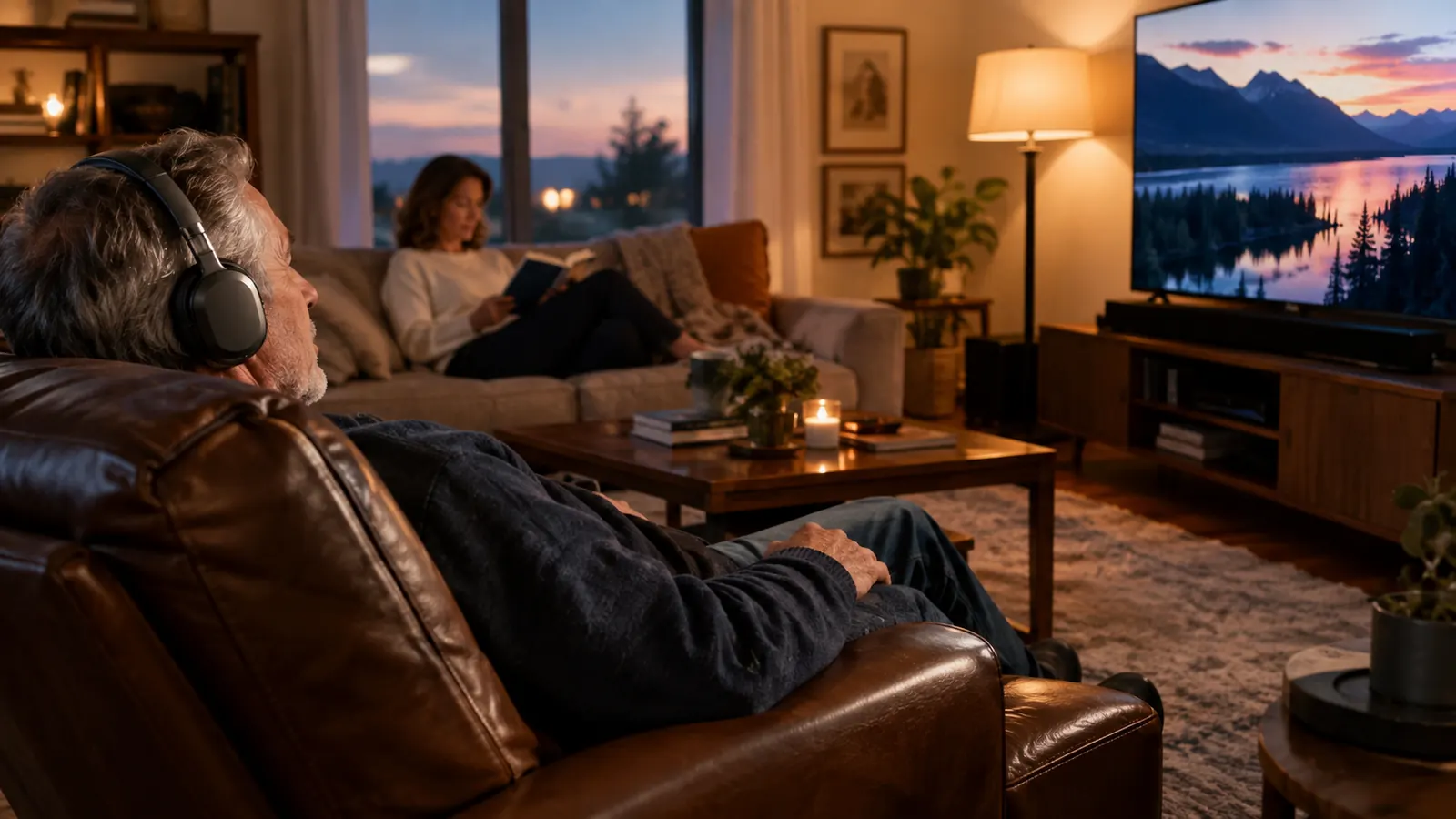
The volume on our television had crept up so high that Joanne would wait until I left the room to turn it down. I did not blame her. The evening news should not sound like a concert, and the closing credits should not rattle the windows. But the truth was simple: I could not hear the dialogue, and she could hear it fine. That is the whole story behind this guide. If you are the one asking other people to repeat themselves, or the one whose spouse keeps reaching for the remote, this is for you.
I am Walt Kesler, 69, a retired electrical lineman. I have mild to moderate high-frequency hearing loss in both ears, worse on the left, from decades around line equipment and chainsaws. I am not an audiologist, and I will not pretend to be one. If you suspect your hearing has changed, get it checked by a professional before you spend a dime on anything. This guide is about one practical fix that worked in my living room: the Avantree Ensemble wireless TV headphones, and the five steps it took me to set them up and actually use them every night. The steps are in the order I actually did them, and I have kept every one of them in my routine for months.
The fix that ended the volume argument in our house
The Avantree Ensemble wireless TV headphones let me hear every word at a volume Joanne can live with. Setup takes about ten minutes, and the steps below are exactly what I did.
Amazon Check Today's Price on Amazon →Step 1: Plug the transmitter into your TV
The Ensemble comes with two main pieces: a transmitter that connects to your television, and the wireless headphones. The transmitter is the small box that sends the TV sound to the headphones, and it is the piece most people get wrong on the first try. My television has an optical audio port on the back, and the kit includes the optical cable and the little adapter you need for it. I plugged one end into the TV and the other into the transmitter. That was the whole connection. The whole setup took me about ten minutes, and most of that was untangling the cable that had been sitting in the drawer since the last television.
If your TV does not have an optical port, use the RCA cables, the red and white ones that older DVD players used. My TV had both, so I went with optical because it carries the cleanest signal. Either way, the transmitter needs power. The kit includes a USB cable and a wall adapter. Plug the USB cable into the transmitter and the adapter into the wall, then give it a few seconds to wake up. The little light on the front tells you it is ready.
Here is what surprised me: the transmitter does not have to sit next to the TV. It just needs to be within range. I put mine on the shelf below the television, out of sight, and it has not moved in months. The wireless range is generous, more than enough for our living room, where my recliner sits about 12 feet from the 55-inch screen. If you want the full picture of how these headphones behave over months of nightly use, the long-term Avantree Ensemble review covers exactly that.
Step 2: Pair the headphones once
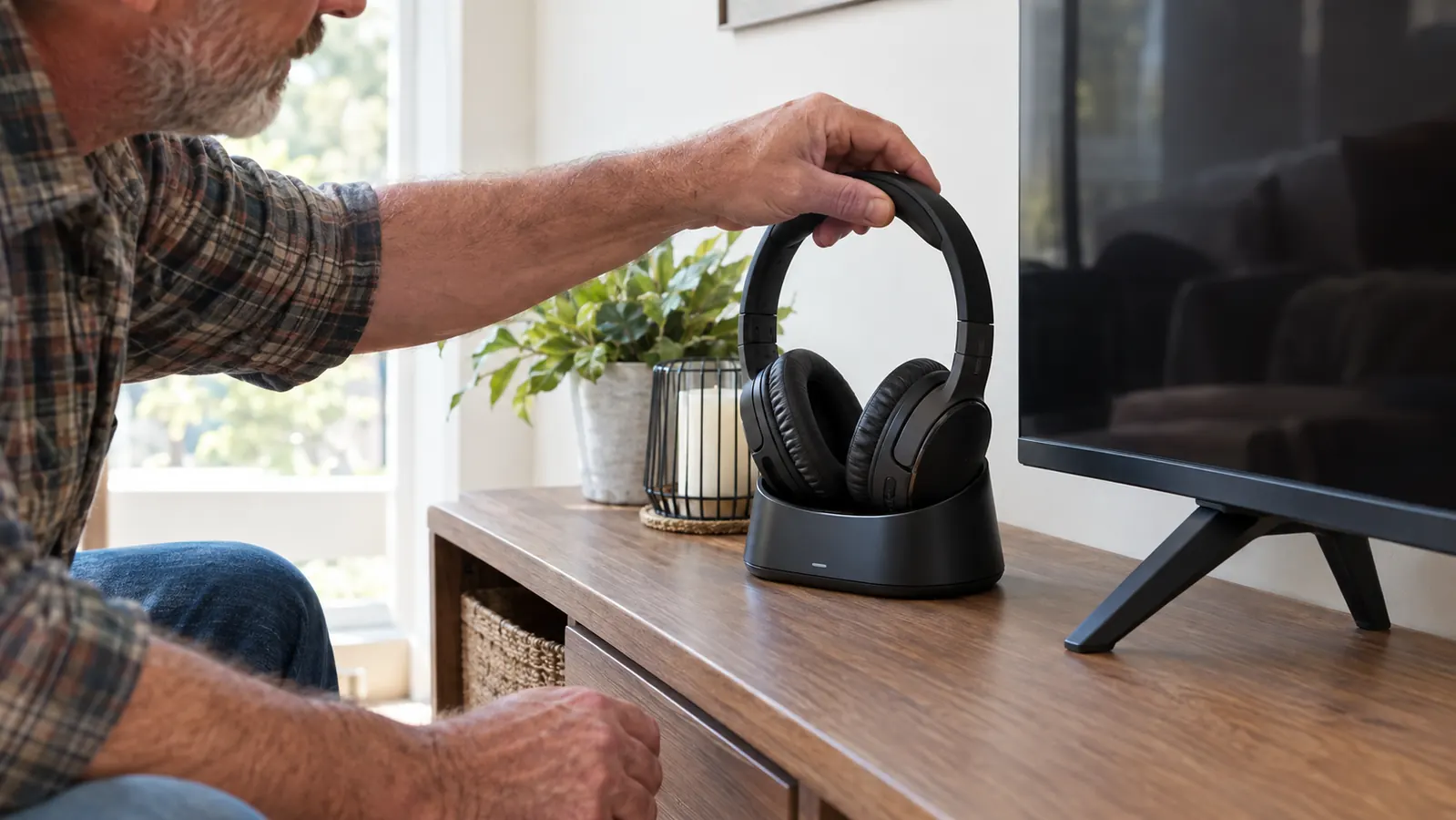
The headphones and transmitter usually come already paired, which means they find each other the moment you turn both on. Mine did. If yours do not, or if you ever need to pair them again after a reset, it is a two-minute job. Do not let the word pairing scare you. It is not like the first time you tried to connect a Bluetooth speaker. This is simpler. The manual calls it a wireless connection, and the word wireless made me expect trouble. There was none.
Turn on the transmitter, then hold the power button on the headphones until the indicator light starts blinking. Put the headphones on the charging base, or hold them close to the transmitter, and wait. Within a few seconds the light goes solid, and that is the pair. I have re-paired mine twice, once after I let the battery run completely flat. Both times it took less time than finding my keys.
A note on the controls: the large buttons on the side of the headphones are the volume. There is also a smaller button that cycles through the sound modes. Do not try to memorize all of it at once. You will use the volume button every night and the sound mode button maybe once a week. Start with the basics, learn the rest when you need it, and keep the little instruction sheet that comes in the box. I still have mine in the side table drawer.
Step 3: Set the TV volume and the headphone volume separately
This is the step that ended the volume wars in our house. The headphones have their own volume control, completely separate from the television. That means Joanne can hear the TV at a normal level, and I can hear the same program louder in my ears without changing anything for her. It is the whole reason these exist. Before we had them, every evening was a negotiation about the remote. Now we watch the same show at the same time, each at our own comfortable volume. That sounds like a small thing, but it changed how we spend our evenings.
Here is how to set it up. Leave the TV volume where Joanne likes it, then use the buttons on the headphones to bring the dialogue up to a comfortable level for me. On most TVs you can also mute the television entirely and let the headphones carry all the sound. We tried both. We settled on a low TV volume, because Joanne likes the room to feel lived in, and I wear the headphones for the evening news and the ballgame. The key is to set the TV level first and the headphone level second.
One thing to know before you start: the transmitter passes through whatever the TV sends it. So if other people are in the room and want to hear the TV, leave the TV volume alone and adjust the headphones. If you are the only one watching, mute the TV and use the headphones as the only speaker. Both ways work, and you can switch between them night to night. We do. On nights when Joanne reads, the TV is off entirely and I listen through the headphones alone.

Step 4: Use the voice mode for dialogue
The Ensemble has a few sound modes, and the one that matters for dialogue is the voice mode. It boosts the frequencies where speech lives, which is exactly where my hearing is weakest. The first time I switched to it during the evening news, I heard the anchor's name, which I had been missing for months. That got my attention. It did not make everything perfect, but it made the news watchable again.
The mode button is small, so here is how to find it: it sits on the side of the headphone, separate from the volume buttons. Press it and you cycle through the modes. I cannot tell you which mode will sound best to you, because your hearing is not mine. But start with voice mode for anything with talking heads, and switch back to the standard mode for baseball, where the crowd noise matters more than the announcer. Give each mode a full evening before you judge it. Your ears need time to adjust.
This is also where I have to be honest about limits. The headphones make dialogue clearer, but they do not restore hearing. If you are missing words even with the TV at full volume, or if you have ringing in your ears, go see an audiologist. I did, and knowing my actual hearing pattern is why the voice mode works as well as it does. If you are weighing the Ensemble against another brand, the Avantree Ensemble versus the Sennheiser RS 120 comparison lays out how the two differ on sound modes and range.
Step 5: Charge the headphones every couple of days
The Ensemble uses a charging base. When you are done watching, set the headphones on the base and they charge. The battery lasts a good long while, a few evenings of use in my experience, so I have never had them die mid-show. I just make a habit of docking them when the news ends. It takes two seconds, and it means the headphones are always ready when I sit down. I am not a gadget person, so if I can keep a routine with these, anyone can.
The base is also where the headphones live when they are not on my head, which means I always know where they are. That matters more than it sounds. The first week I owned them, I left them on the arm of the recliner twice and had to hunt for them before the ballgame. Now they go on the base and they stay there. If you share a house with someone else, the base also tells them where the headphones are, which cuts down on the where are the headphones conversation.
A small maintenance note: keep the charging contacts clean. Twice a year I wipe the little metal contacts on the headphones and the base with a dry cloth. That has kept the connection solid for the months I have owned the set. It is a five-minute job, and it prevents the annoying situation where you dock the headphones and wake up to a dead battery. The contacts are the only part of this system that has needed any attention.
What Else Helps
The headphones are the main fix, but a few cheap things made them work better for me. First, I turned off the television's built-in sound effects and set the audio mode to clear or dialogue, which most modern TVs have buried in the settings menu. Second, I moved my recliner from about 12 feet to about 10 feet from the screen. That small change helped more than I expected, because distance is the enemy of high-frequency hearing. Every foot closer is a little more clarity. None of these cost anything, which is why I list them before you spend money on anything else.
Third, and most important, I got my hearing checked. That is the one I would push on anyone over 55. The headphones work around the problem, but knowing your actual audiogram tells you which settings to use and whether you need something more than a listening aid. I put this step last on purpose, because it is the one people skip. If you want the short version of why TV headphones end volume wars, the ten reasons article is a good place to start.
One more thing I learned the hard way: do not buy the cheapest pair of TV headphones you can find and expect them to work like these. I tried a pair that connected through a different signal, and it dropped out every time I leaned forward in the recliner. The Ensemble has been steady from the first night. That reliability is worth more than the little money I saved on the first pair.
The first night I used the Ensemble, Joanne looked over and said the volume was finally normal. That had not happened in years.
Ready to hear the dialogue again?
If the TV volume has become a family argument, the Avantree Ensemble is the simplest fix I found in a year of looking. Ten minutes to set up, and it works every night.
Amazon See Today's Price on Amazon →