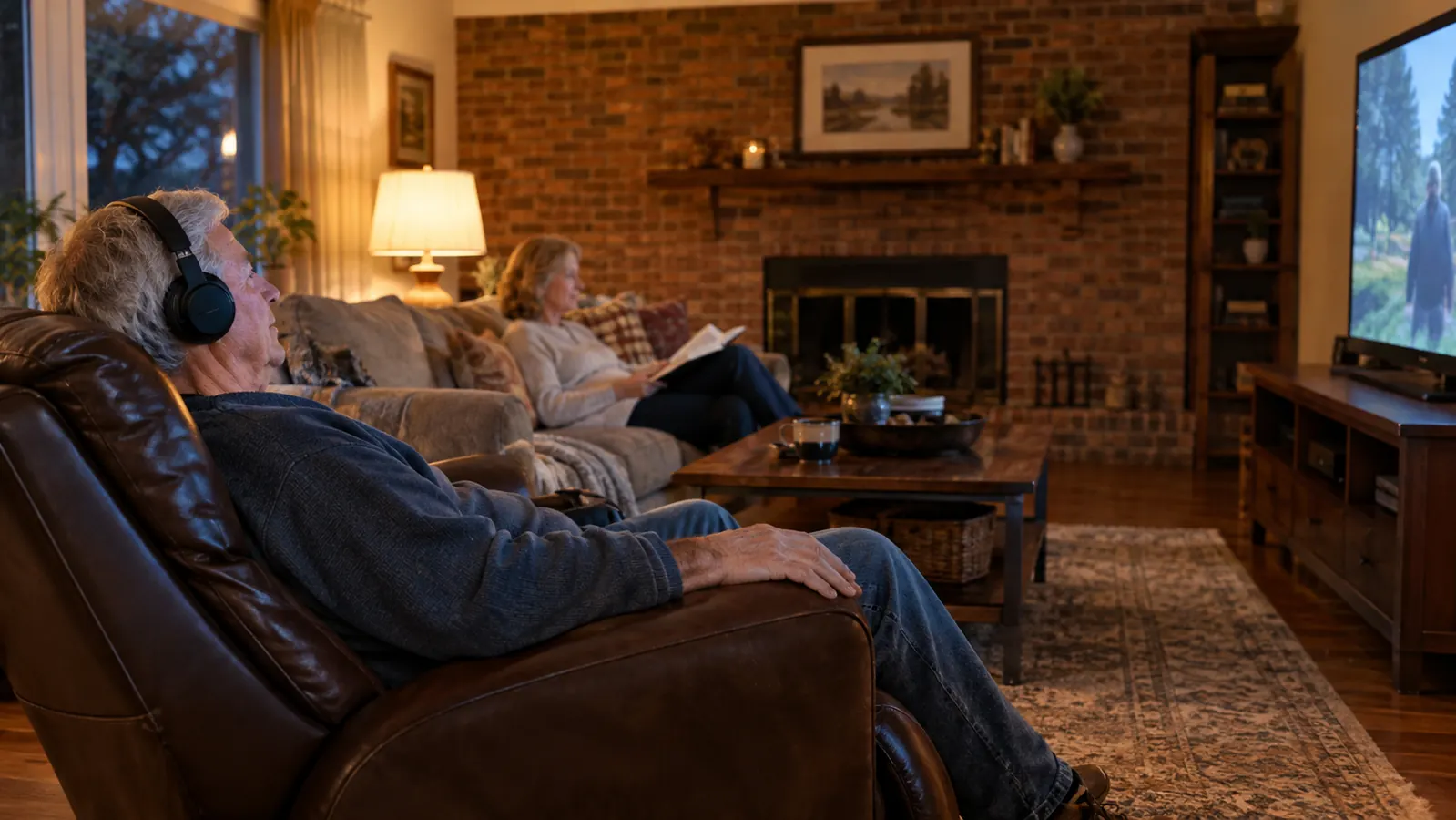
Every night used to end the same way in our living room. Joanne would ask me, in that patient voice she has, if I could turn the TV down. I would turn it down. Then I couldn't hear the dialogue, so I'd turn it back up. Then she'd ask again. We watched the evening news like that for two years, with one of us always annoyed and neither of us actually following the story.
I tried the usual fixes. Closed captions, which helped but kept my eyes glued to the bottom of the screen. Sitting closer, which helped about as much as you'd expect from moving three feet. Turning the TV up and promising myself I'd turn it back down, which never lasted past the first commercial. The fix that actually stuck was a TV listening headset from TV Ears. This is how I set it up, in the order I'd walk you through it if you were standing in my living room with the remote in your hand.
The headset that ended the volume war in our living room
The TV Ears Improved Digital Wireless Headset System plugs into your TV and sends the sound straight to your ears at your volume, while the room stays at a volume everyone else can live with. It took me about 20 minutes to set up. Check today's price on Amazon.
Amazon Check Today's Price on Amazon →Why a headset beats turning the TV up
Turning the TV up louder seems like the obvious answer, but it stops working fast. First, a loud TV is harder to understand, not easier. The music and sound effects get louder right along with the dialogue, so the words don't get any clearer. Second, a loud TV is a problem for everyone else in the room. Joanne has normal hearing, and normal hearing does not want the TV at 60.
A TV listening headset fixes both problems at once. The sound goes straight from the TV to your ears, at the volume you need, with the tone adjusted for your hearing. The room stays at the volume the rest of the family can live with. It's the difference between one volume that works for nobody and two volumes that work for everybody.
Step 1: Unpack the box and know what you're holding
The box has more pieces than you expect, so take a minute to see what's what before you start plugging things in. Three things matter. The base station is the piece that does the work. It sits near the TV and takes the sound from it. The headset is what you wear. And the cables are what connect the base to the TV and to the wall.
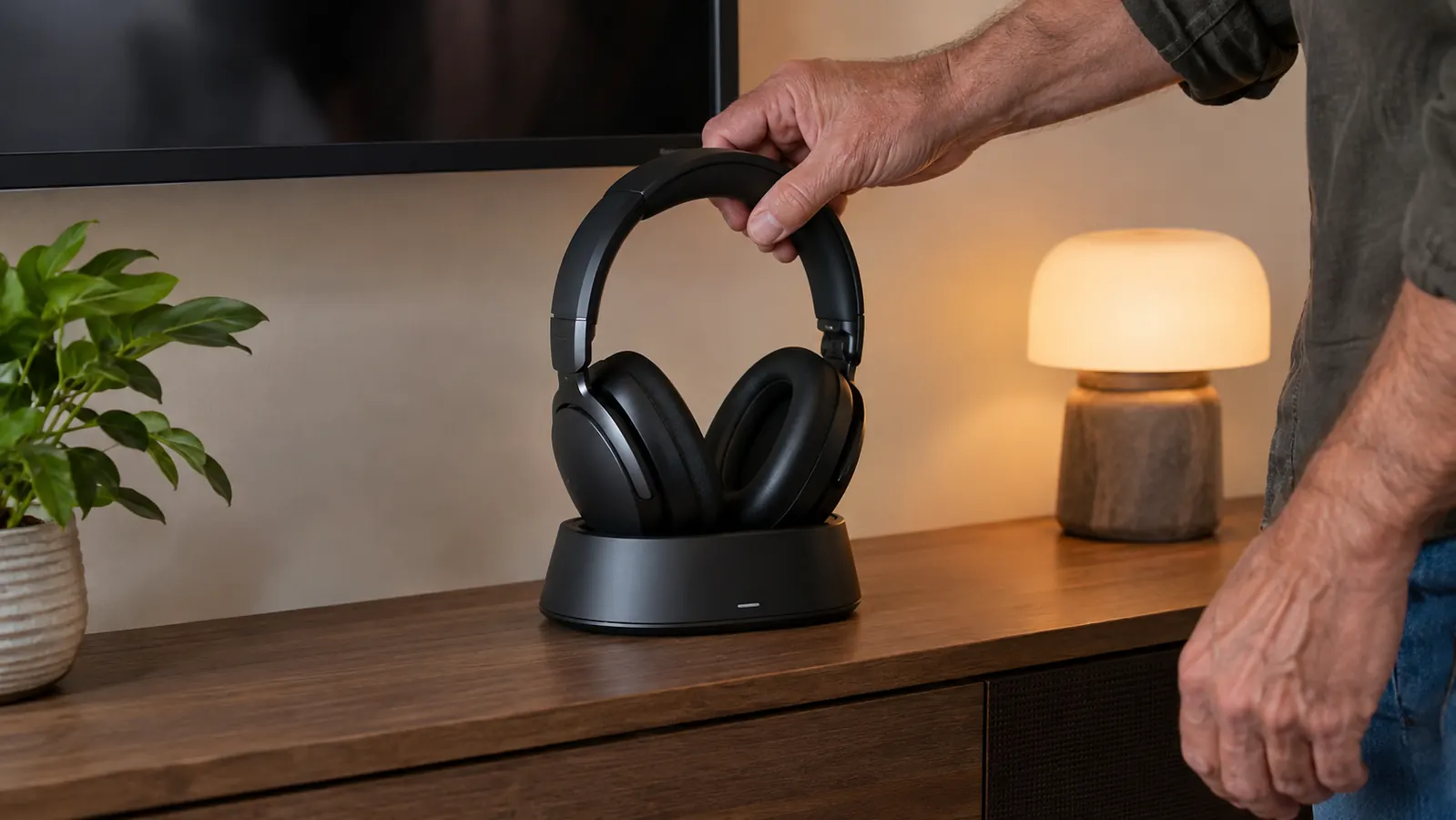
I'm a retired electrical lineman. I spent 34 years around wire and equipment, and I still read the manual before I touch anything. The TV Ears manual is short and it has pictures. Give it five minutes. The one thing to know up front: the headset charges when it's sitting on the base, so keep the base somewhere you can reach it, not buried behind the TV stand.
One more thing while the box is open. The kit comes with the cables for the common hookups, and the manual shows the rest. If your TV is newer than ours and only has the small digital optical jack, that hookup is in there too. Don't worry about which cable is which. The colors match. Red goes with red, white goes with white.
Step 2: Find the audio output on your TV
Before you can plug anything in, you need to know what your TV has on the back. There are three common setups. A headphone jack, which is the little round hole you'd recognize from a pair of earbuds. Red and white RCA jacks, the kind that have been on TVs for decades. Or a digital optical jack, which is a small square opening, usually with a little door over it.
Our TV is a 55-inch in the living room, and it has the red and white jacks. That's the easiest kind. If your TV only has the optical jack, the TV Ears kit covers it and the manual walks you through it. If you're not sure what you've got, do what I did: take a photo of the back of the TV with your phone and zoom in. It's a lot easier than lying on your back trying to read the labels upside down.
One warning before you start. You want the audio output, not the audio input. They look alike and they're usually right next to each other. If you plug into the input, nothing happens. The TV sends sound out of the output jacks. The label is small, so get your phone light on it before you plug anything in.
Step 3: Hook the base station to the TV
Set the base station somewhere near the TV where it can sit flat and where you can reach it from your chair. Ours sits on the shelf under the TV, about halfway between the screen and the recliner. The cables reach, and I can pick the headset up without getting out of the chair. That matters more than you'd think.
Plug the audio cables from the base into the jacks you found in Step 2. Red to red, white to white. Then plug the base into the wall. A light comes on. That's the base telling you it has power. If the light doesn't come on, check that the cables are pushed in all the way. A loose audio cable is the number one reason a setup like this seems dead on arrival.
Put the headset on the base and leave it there. The first charge takes a few hours, so do this step in the afternoon, not during the opening kickoff. I set ours up on a Saturday morning and let it sit through lunch. By the time I wanted it, it was ready.
Step 4: Tell the TV to send its sound to the headset
This is the step where most people give up, and it's the step that matters most. Plugging in the cables is the easy half. The TV also has to be told to send its sound out to the base instead of only to its own speakers. On our TV, that's under the menu, then Sound, then Audio Output. The name of the setting varies by brand, but you're looking for something that says "external speakers, audio out, or headphone".
If you can't find it, don't fight the remote for an hour. Search the TV's model number and the words "audio output" on your phone, and you'll have the answer in under a minute. These menus are buried differently on every brand, and there's no shame in looking it up. I looked it up.
Once the TV is sending sound out, you'll hear the show through the headset. The TV speakers may go quiet or stay at whatever volume you set them to. That's not a mistake. That's the whole idea of the system. One volume for the room, one volume for your ears. Joanne can watch at her level, and I can hear at mine.
Step 5: Set your levels and find your spot
Put the headset on and turn the volume up until the dialogue is clear, not until it's loud. There's a difference, and it took me a few days to find it. Loud makes everything louder, including the background noise. Clear makes the voices stand out. The TV Ears headset has a tone control, and for people with high-frequency hearing loss, that tone dial matters more than the volume dial.
My hearing is worse in my left ear, the result of decades around line equipment and chainsaws. I keep the tone set so the voices come through without the hiss. If the speech sounds mushy to you, play with the tone before you blame the headset. It's a small adjustment that makes a large difference.
Then set the TV volume to what the rest of the room wants. On our TV, that's about 18. I sit in the recliner about 12 feet from the screen, and I hear the evening news at my level. Joanne hears it at hers. Nobody asks anybody to turn anything down. When the show is over, the headset goes back on the base, and it's charged and ready for the next night. It becomes a habit after about three days.
If you hear nothing at first
Work through these in order. Check that the base has power and the light is on. Check that the audio cables are pushed in all the way on both ends. Check that the TV is set to send sound out, not just to its own speakers. And check that the headset has been on the base long enough to hold a charge. One of those four is almost always the problem.
If you still hear nothing, put the headset on the base, take it off, and put it on again. Some of these systems wake the headset up when it leaves the base. That little reset has fixed more than one mystery in our house, and it's free to try before you call anybody.
One more thing about that first night. Give yourself a few minutes with it. The first time I put the headset on, the sound felt strange, like the TV was inside my head. That goes away. By the second evening, it felt normal, and by the third, I stopped noticing the headset at all and just watched the show.
What Else Helps
The headset is a tool, not a treatment. I'm not an audiologist and I'm not going to pretend to be one. If you haven't had your hearing checked in a few years, that's the first stop, before you spend money on anything. A professional can tell you what kind of loss you have and whether a hearing aid would do more than a headset. For me, the headset handles the TV, and that's what I needed.
A few other things made the setup work better. Closed captions are still on for the news, because names and numbers matter and I don't want to miss them. Facing the TV helps, because sound is directional and my better ear is on the right. And Joanne helped me set the whole thing up. Two sets of eyes on the manual beat one, and she's the one who found the audio output setting while I was still looking for a place to plug something in.
The charge lasts through a few evenings of watching, and the headset tops itself off every time it sits on the base. I put it back after the news and it's ready by the next night. If you forget and the headset goes quiet mid-show, that's your cue to check the charge, not to blame the TV.
One more note. If the two of you both want to use the headset, TV Ears makes a version with two headsets on the same base. Same setup, same idea, two pairs of ears. We started with one, and it worked well enough that it's worth knowing the option is there.
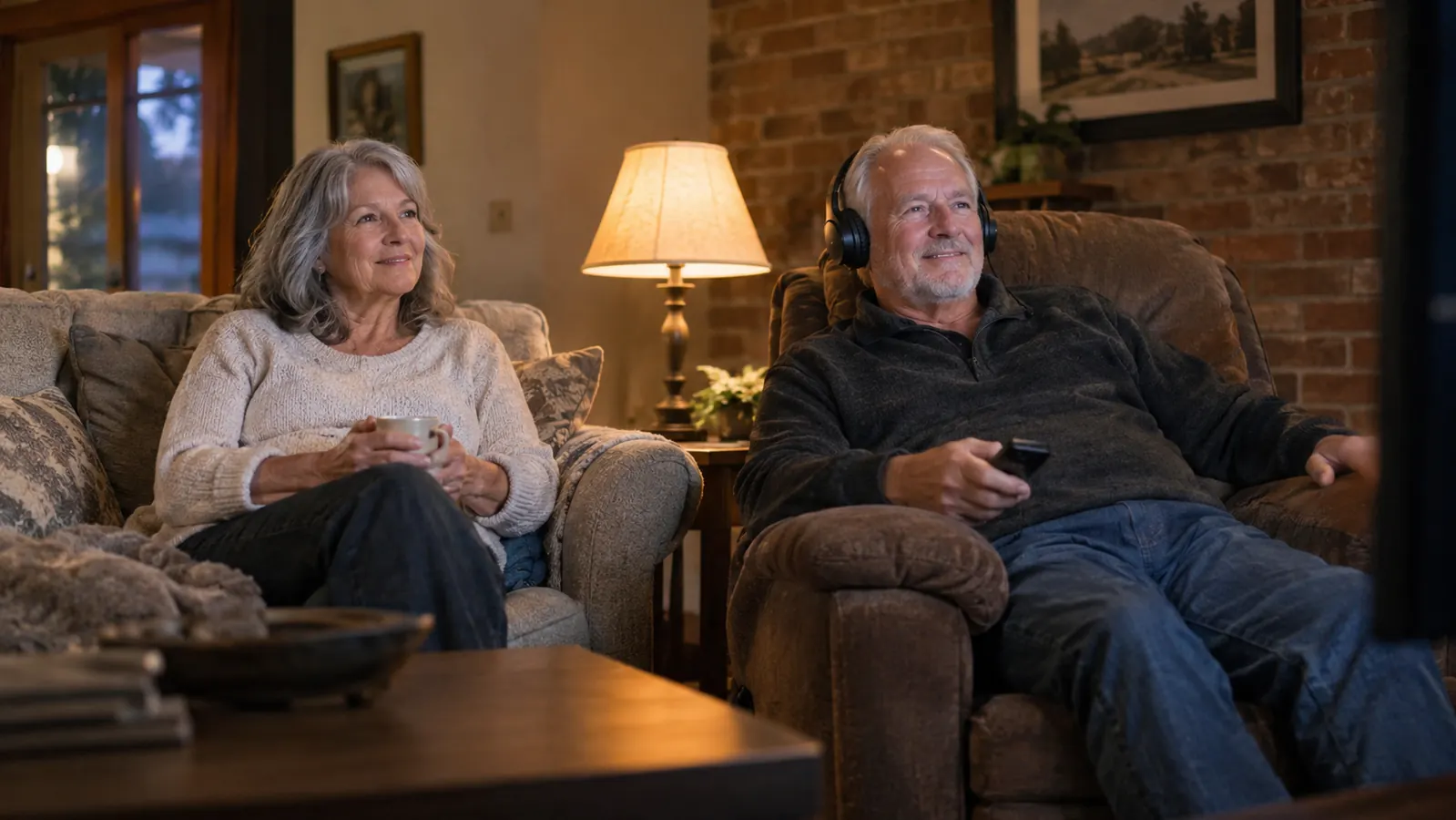
We watch the same TV at the same time. I hear it through the headset at my level, Joanne hears it through the speakers at hers, and nobody has to shout across the living room.
Twenty minutes of setup, and the volume war is over
The TV Ears Improved Digital Wireless Headset System is the thing that finally let us watch the news together again. Plug it in, charge it, set your levels, and put it back on the base when you're done. Check today's price on Amazon.
Amazon Check Today's Price on Amazon →